Troubleshoot Onboarding
This topic describes how to troubleshoot issues during the onboarding process.
Onboarding Event Logging
Onboarding activities are tracked in the audit log, which retains all entries for 90 days. These logs can be viewed directly in the ACE UI under Settings > Access Management > User Activity.
The following onboarding-related events are recorded:
-
Account Add
-
Account Remove
-
Account Update
Verify ACE Cloud Provider Permissions
Refer to this AlgoPedia article for detailed instructions on using scripts to check permission status for ACE for AWS, GCP, and Azure. This helps you identify accounts with insufficient permissions.
AWS Onboarding Failure: Permission Denied
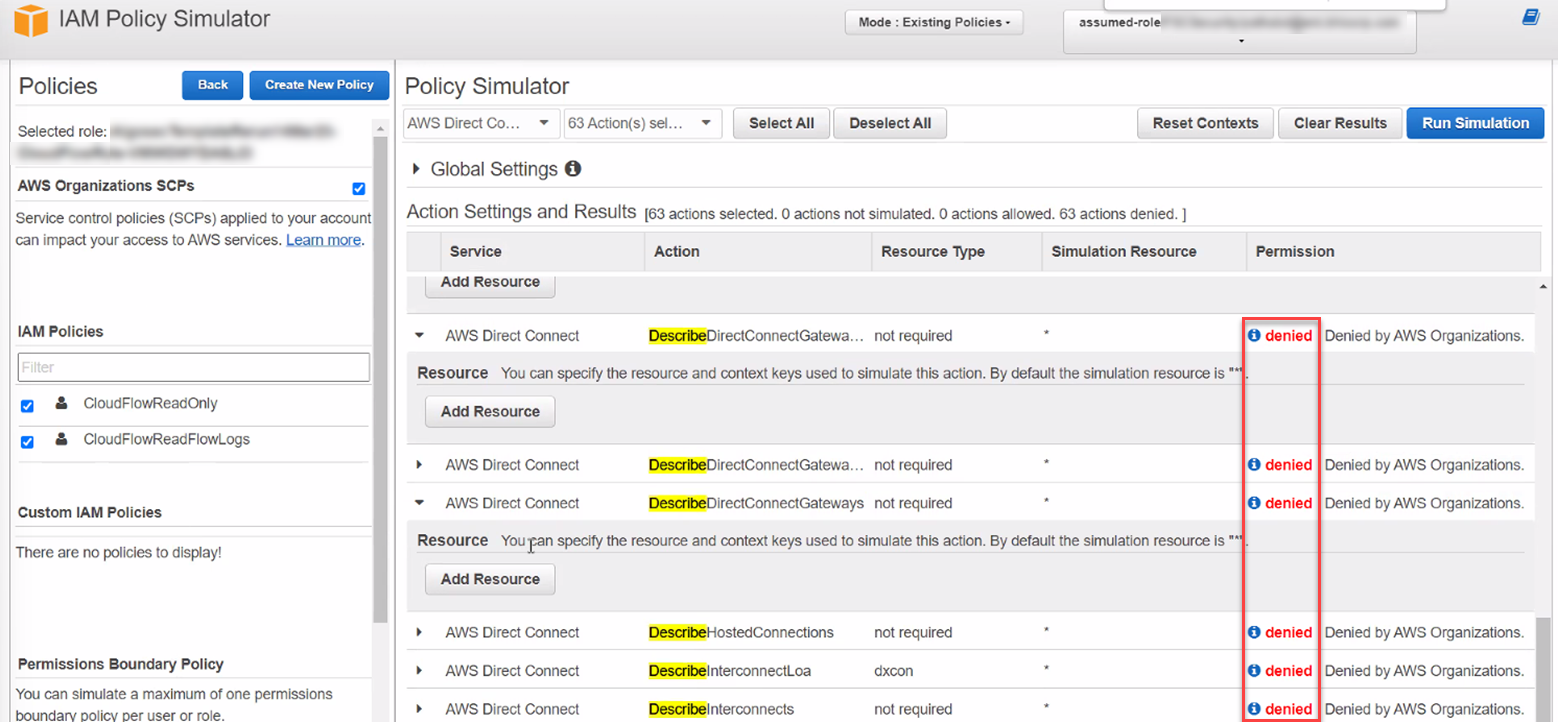
Troubleshooting steps: If you are using AWS Organizations, verify that ACE has the necessary permissions to access your member accounts.
Note: AWS Service Control Policies (SCPs) do not impact users or roles in the management account, but they may affect member accounts within your organization. Therefore, ensure that any SCPs set at the organization level do not interfere with ACE's access to member accounts.
For further information, see Manage SCPs.


 Clear your browser's cache