View Network Policies
This topic describes how to access and navigate the Network Policies page, review the policies detected in your security controls, and filter results to target specific entities.
Network Policies page
To open the Network Policies page, click the  Network Policies icon on the left. By default, the page opens with All Entities selected and displays an overview of all your vendors and policy types.
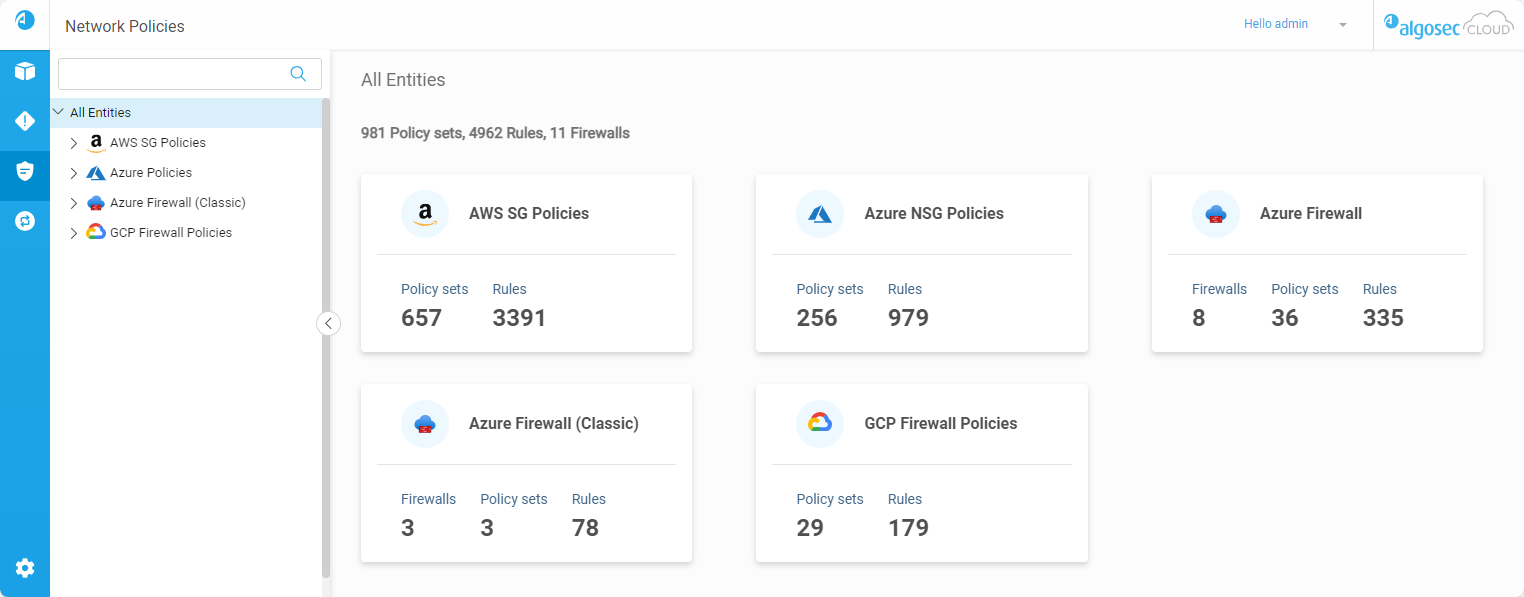
Network policies tree
The network policies tree lets you drill down into individual virtual network types.
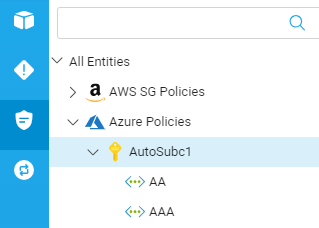
The network policies tree contains the following entities:
| Security Control | Account Type | Virtual Network Type | ||
| Icon | Type | Icon | Type | |
AWS
|

|
Account |

|
VPC |
|
Azure
|

|
Subscription |

|
VNet |

|
Virtual Hub | |||
| Azure Firewall (classic) |
|
Subscription |
|
VNet |
| Google Cloud Firewall |

|
Project |

|
VPC |
Network tree search bar
Use the network tree search bar to filter the tree and find entries quicker.
Search using partial or whole names of any of the following:
-
Vendors / Policy Types
-
Accounts / Subscriptions / Projects
-
Regions
-
VPCs / VNets / Virtual Hubs
Network policies
View network policies
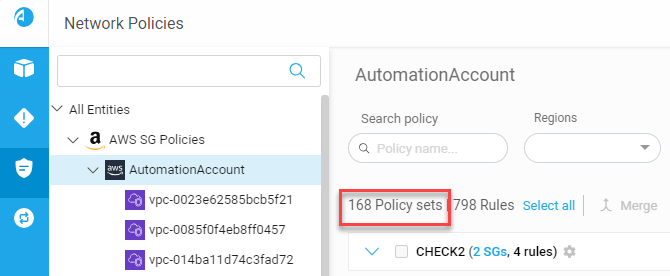
Click on an entity in the Network policies tree to see a list of matching policies on the right.
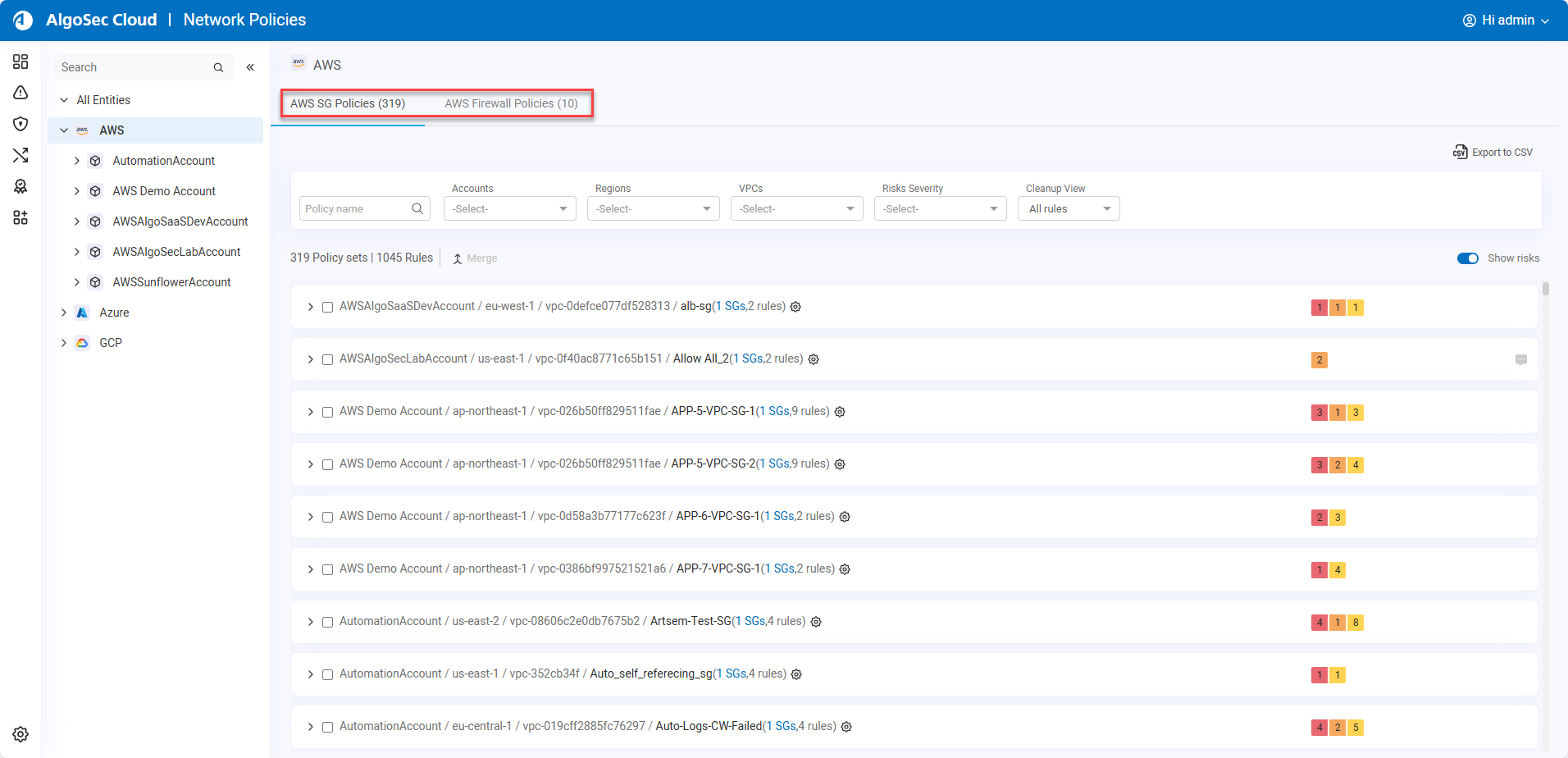
AWS policies include two tabs: AWS SG Policies and AWS Firewall Policies.
-
The AWS SGs Policies tab displays all the AWS security groups under the entity selected in the tree.
-
The AWS Firewall Policies tab displays the AWS Native Firewall Policies under the entity selected in the tree.
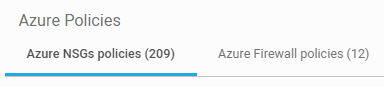
Azure policies include two tabs: Azure NSG Policies and Azure Firewall Policies.
-
The Azure NSGs policies tab is disabled for Virtual Hubs because Virtual Hubs cannot have NSG policies.
-
The Azure Firewall policies tab (which displays Azure Native Firewalls) is disabled when the Azure VNet does not have a firewall.
Azure Firewall (classic) has its own entry in the Network policies tree.
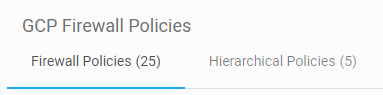
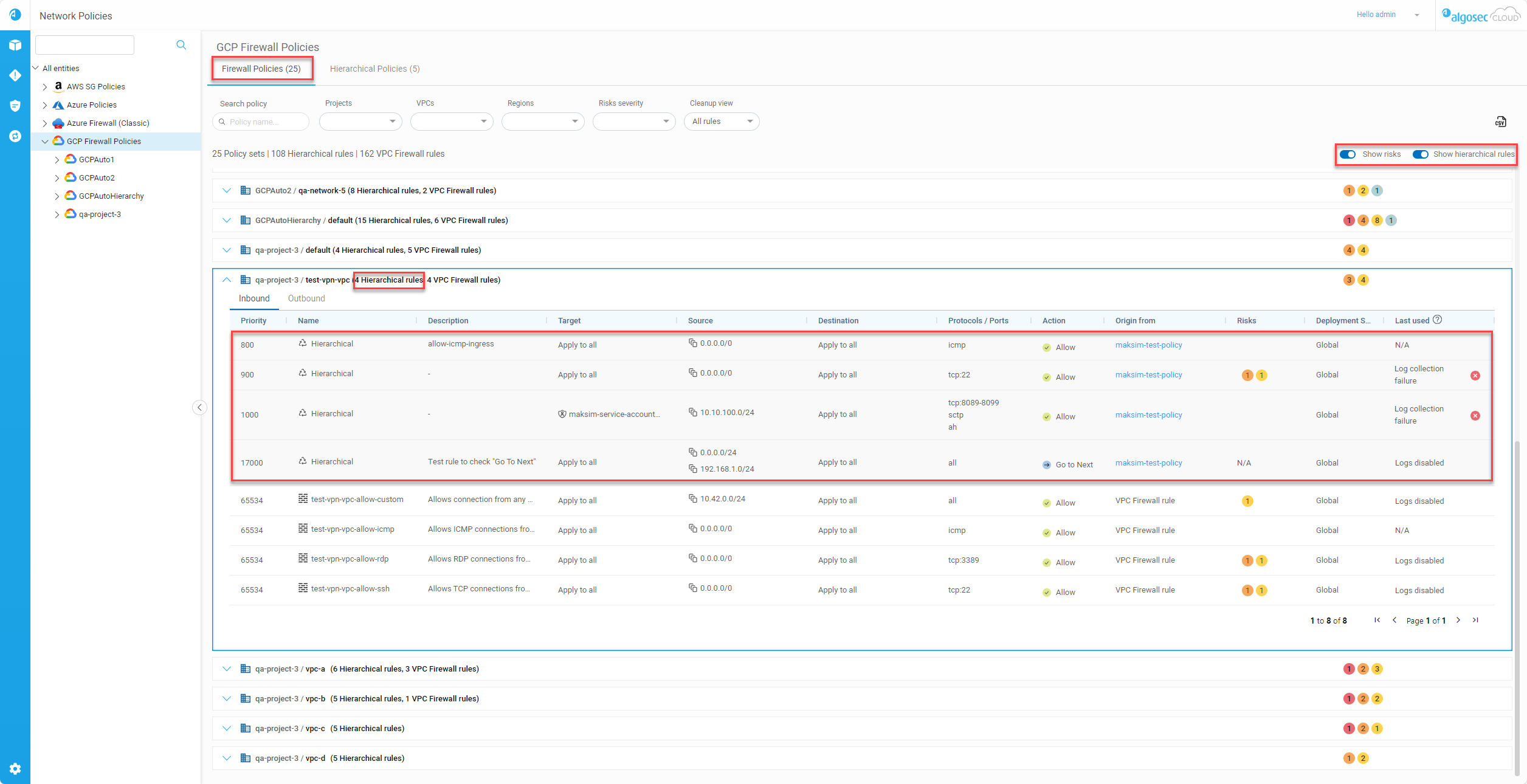
Google Cloud Firewall policies include two tabs:
-
Firewall Policies tab: Shows VPC Firewall and Network Firewall policy rules, as well as hierarchical rules from the Hierarchical Policies tab that are used by the VPC Firewall.
Note: All policies that impact the VPC are ordered in the list based on how traffic inspects the rule as it enters or exits the VPC.
-
Hierarchical Policies tab: Shows organization-level and folder-level firewall policies.
Search policies
In the Search Policy box above the list of policies s, you can filter the displayed policies based on search entries.
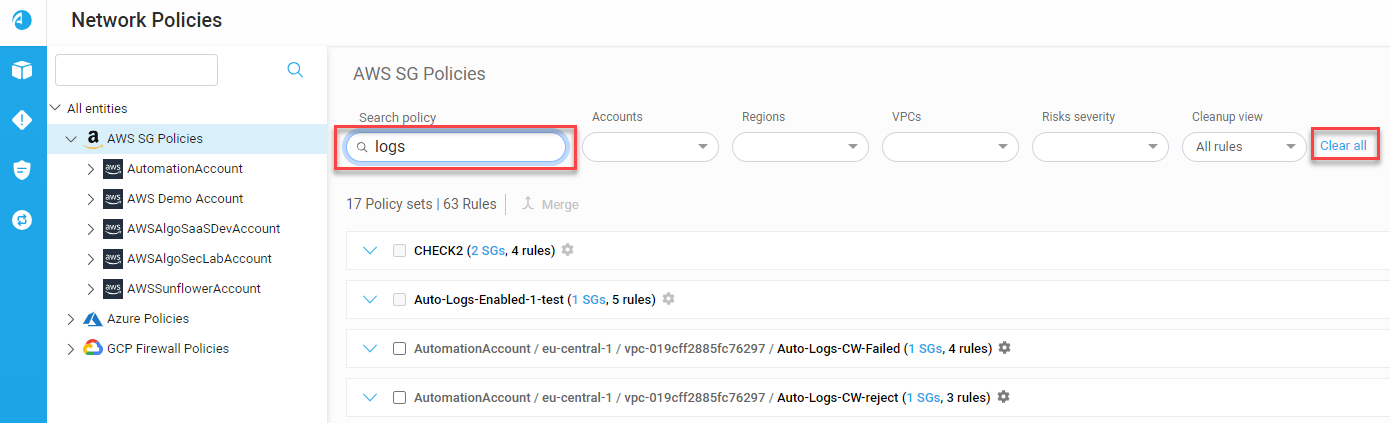
For each type of security control, you can perform a search using partial or whole policy names based on the entities displayed in the tab.
Filter displayed policies
You can filter displayed policies to see a more targeted display of the policies that interest you.
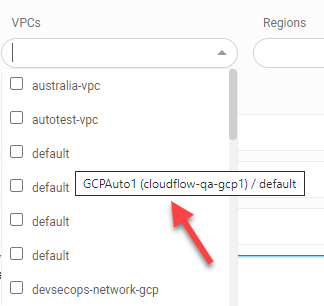
Each security control type has its own unique set of filters which you can use to refine the policies displayed.
| Security Control Type | Available Filters |
|---|---|
| AWS SG |
|
| AWS Native Firewall |
|
| Azure NSG |
|
| Azure Native Firewall |
|
| Azure Firewall (classic) |
|
| Google Cloud |
|


 Clear your browser's cache