Getting around ObjectFlow
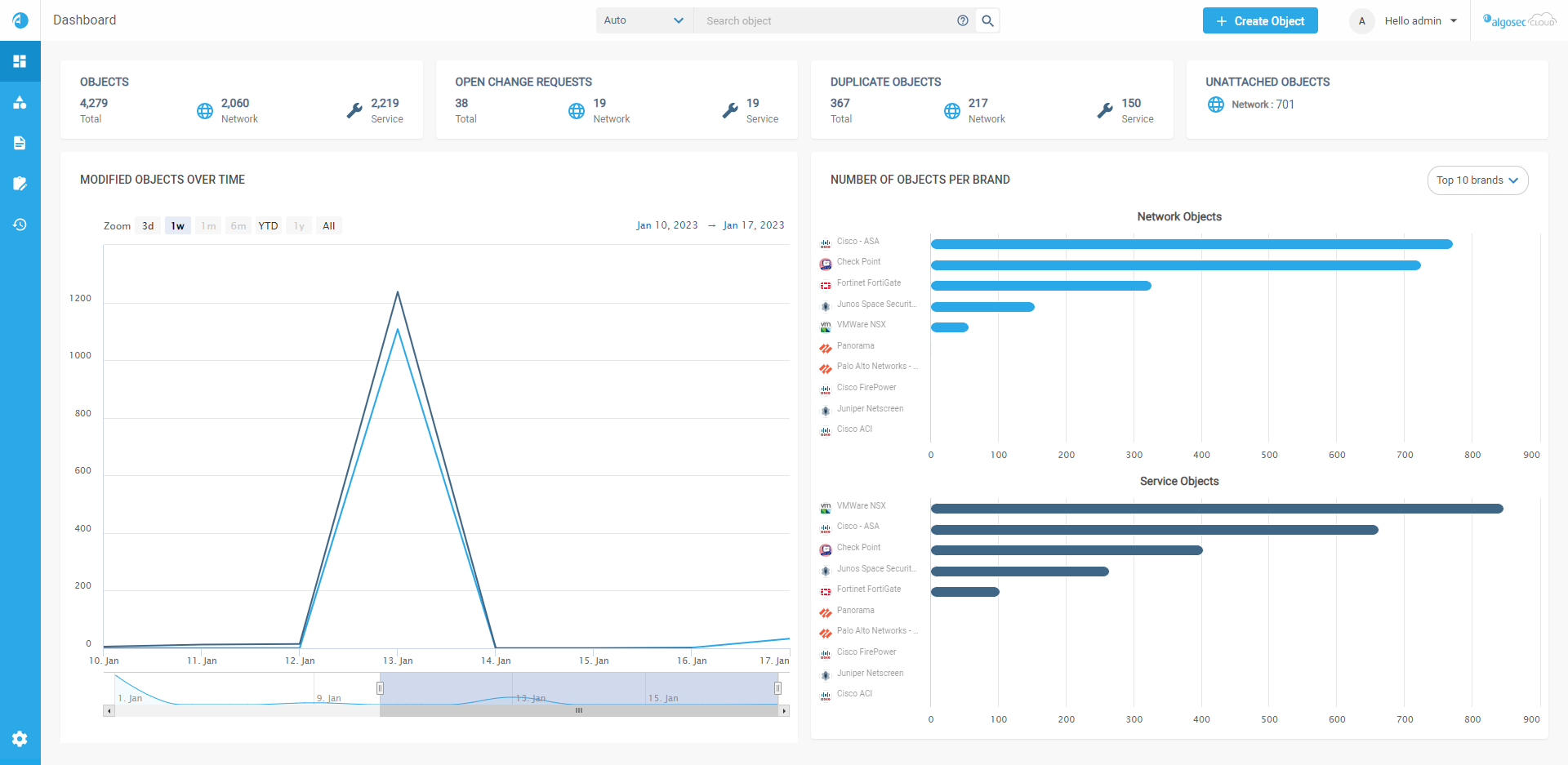
When you log in to ObjectFlow, the Dashboard is displayed:
-
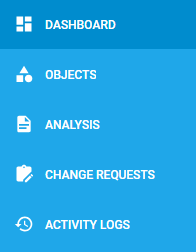
Use the left side navigation menu to access ObjectFlow pages and their tabs. See ObjectFlow pages.
-
To manage accounts, user access and other customizations, hover over the
 settings icon at the bottom left of your screen. After the panel expands, click the relevant option. See ObjectFlow Settings.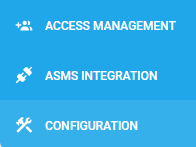
ObjectFlow pages
|
Page |
Description |
|---|---|
|
Dashboard |
ObjectFlow's Dashboard page helps you manage firewall objects across your hybrid network. See important details such as:
For details, see ObjectFlow dashboard. |
|
Objects |
On the Objects page, review detailed information about your network and service objects. Filter and sort options provide easy navigation, and you can further customize which information is displayed. For details, see View objects. |
|
Analysis |
On the Analysis page, ObjectFlow uses advanced techniques to identify misalignments in object naming and content that could potentially result in security breaches or connectivity outage, and allows you to remediate issues. See Object analysis. |
|
Change Requests |
On the Change Requests page, view details related to all of the FireFlow Change Requests created for network and service objects. For details, see Object Change Requests. |
| Activity Logs |
On the Activity Logs page, you can review all of the actions users performed in ObjectFlow related to object changes, change requests, configuration changes, and syncs performed. For details, see Object Activity Logs. |
ObjectFlow Settings
| Section | Description |
|---|---|
| Access Management |
Details the management of user and API access keys, roles, Single Sign-On (SSO), and monitoring user activity within ObjectFlow. For more details, see Access Management. |
| ASMS Integration |
Outlines how to establish a trust relationship and connect ObjectFlow with ASMS for integrated security management. For more details, see ObjectFlow - ASMS Integration. |
| Configuration |
Provides access to advanced configuration options: |
â See also:


 Clear your browser's cache